
Payout Flagged In Dots (Action Required)
If a payout is flagged or “in review,” Dots requires a quick verification step before funds can be released. Due to compliance requirements, this must be resolved directly through Dots.
Step 1: Navigate to: https://my.dots.dev/
Step 2: Click the chat bubble in the bottom left corner.
Step 3: When starting a message, select “Payout is Flagged”
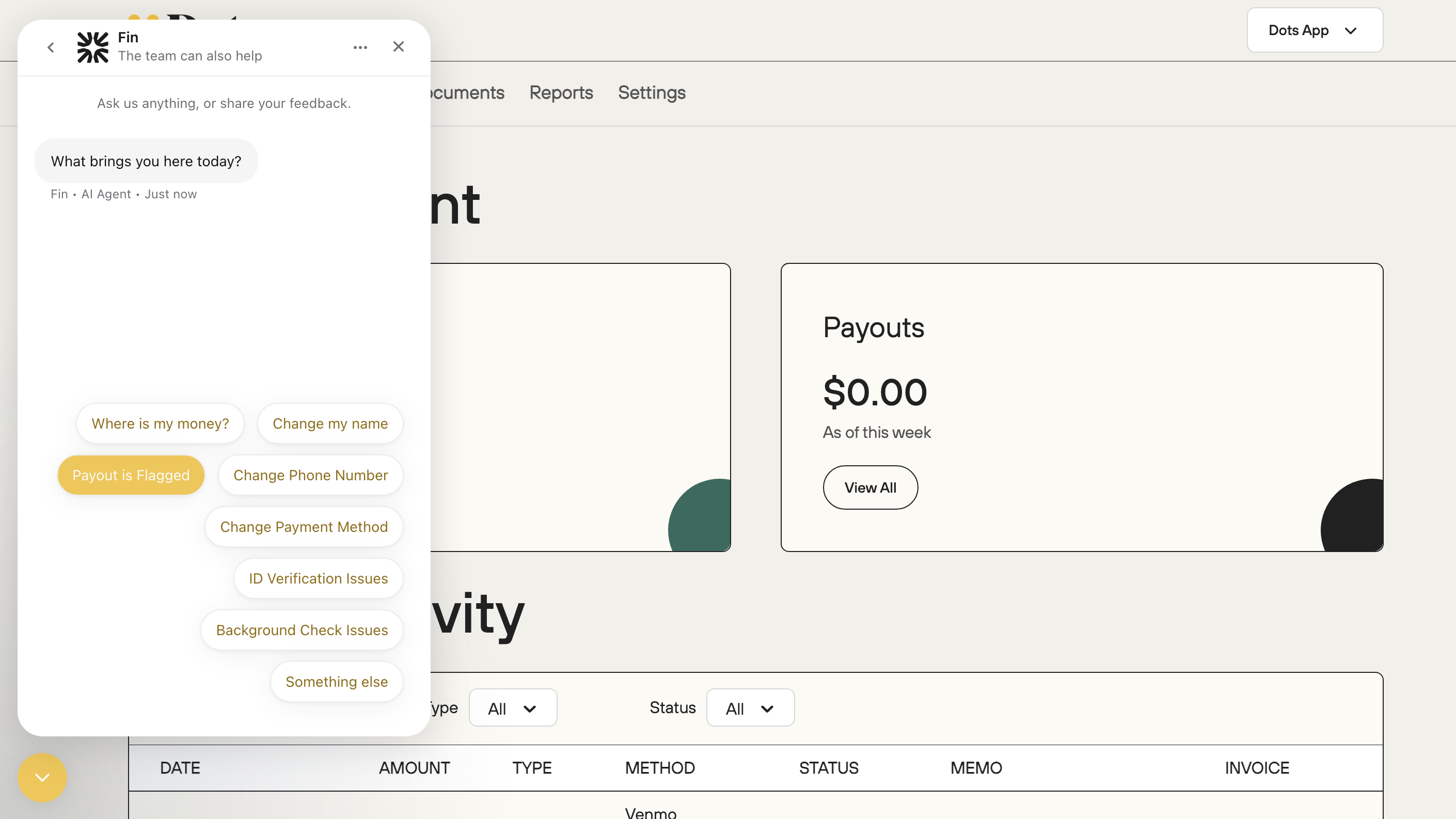
Step 4: You will receive further instructions and help as the Dots team navigates the reason for the flagged status.
If you are unable to log in to your Dots count at all, you may send them an email to: info@dots.dev