How to Cash Out Funds From Clicki
In this article
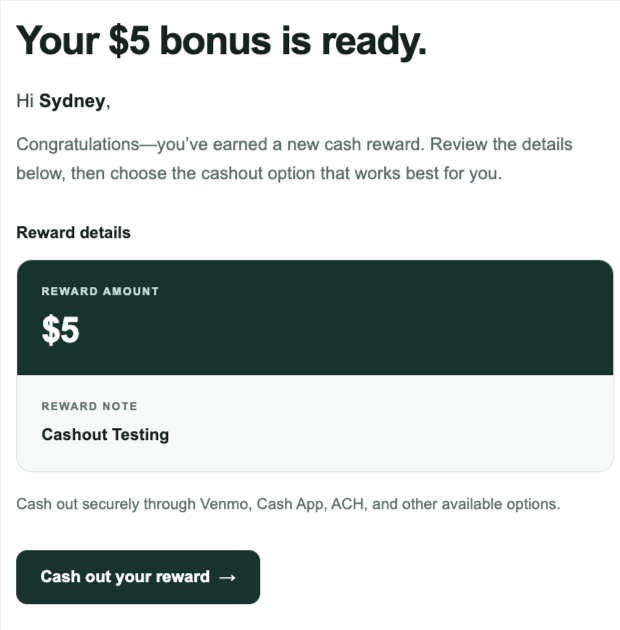
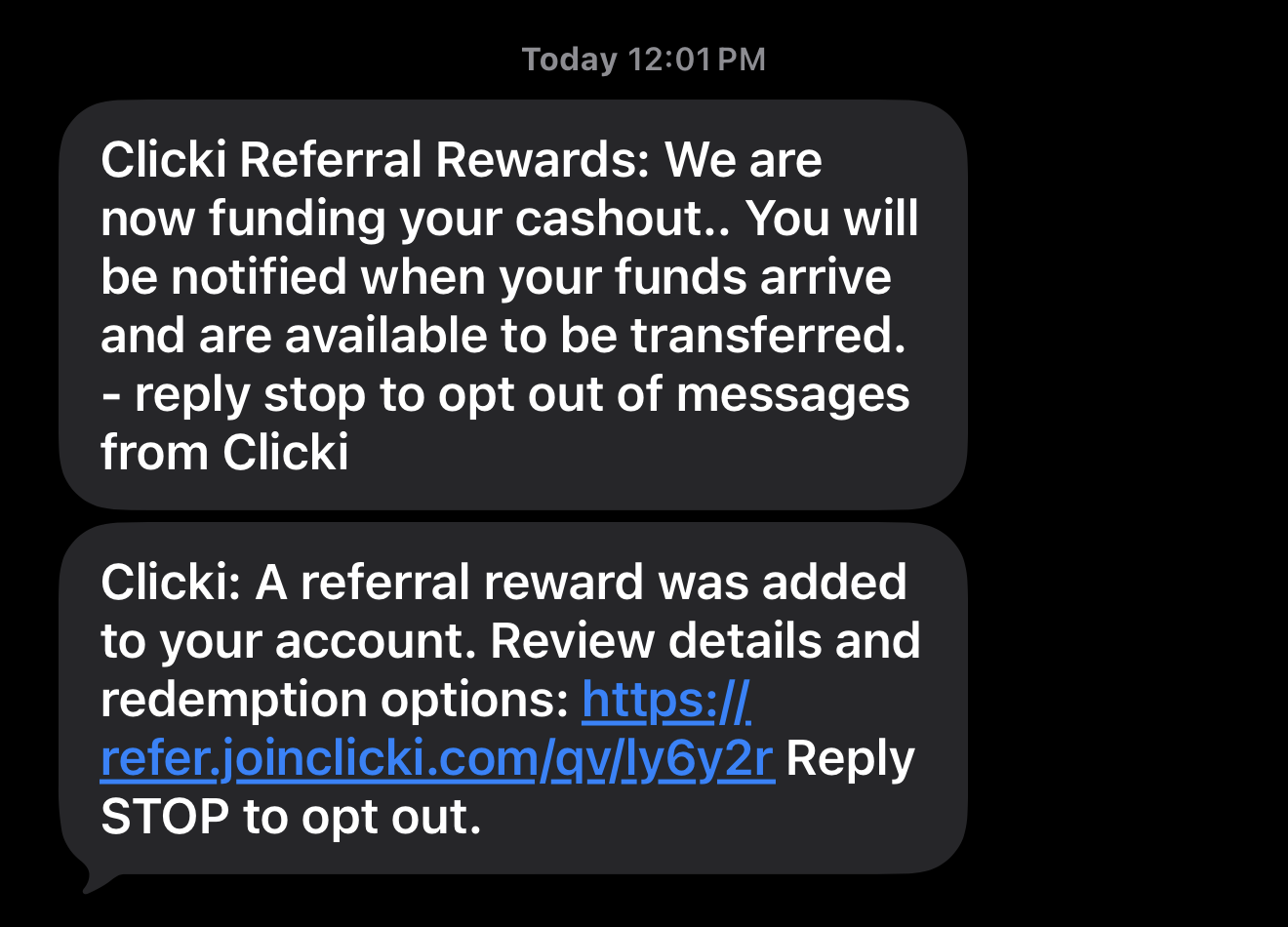
Step 1: When you earn a bonus or a referral payout, you will receive a text message and email directing you to your promoter dashboard, where you can cash out your funds.

Step 2: In your promoter dashboard, go to the Cash Out section or click Manage My Funds. From there, you’ll see a green button labeled “Transfer $ to Digital Wallet.” Click this button to begin transferring your funds.
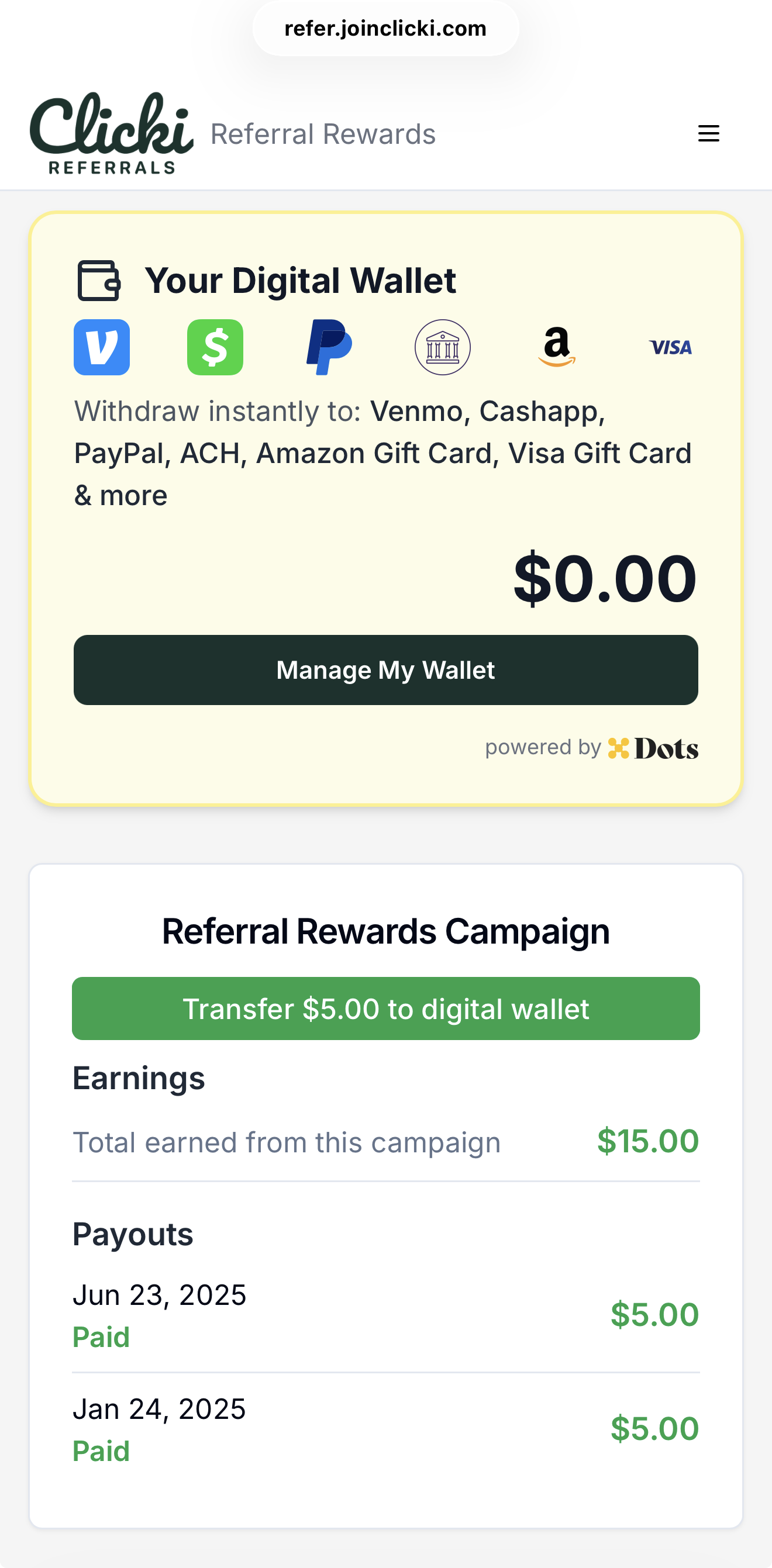
Note: You will be required to log back in during this step as an extra security precaution to protect your funds. You will receive a text message when your funds have landed in your digital wallet (approx. 2-3 mins)
Step 3: Withdraw your funds using Dots.
Enter your phone number.
Enter the one-time passcode sent to your phone and click Verify.
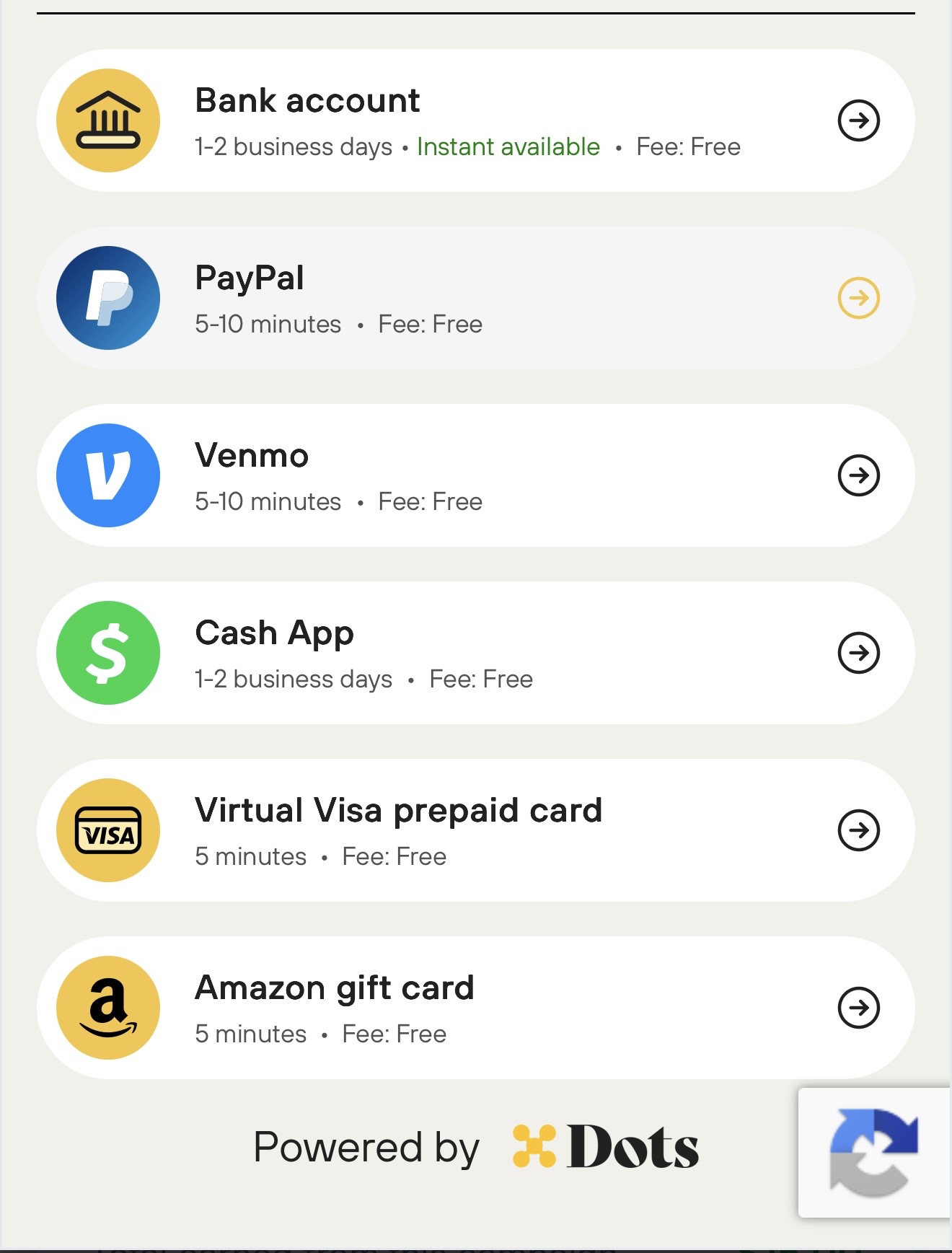
Dots will display available payout options.
Select your preferred payout method.
Provide and verify the required information for your selected payout method. This may include your phone number, Venmo or Cash App handle, or bank account details.
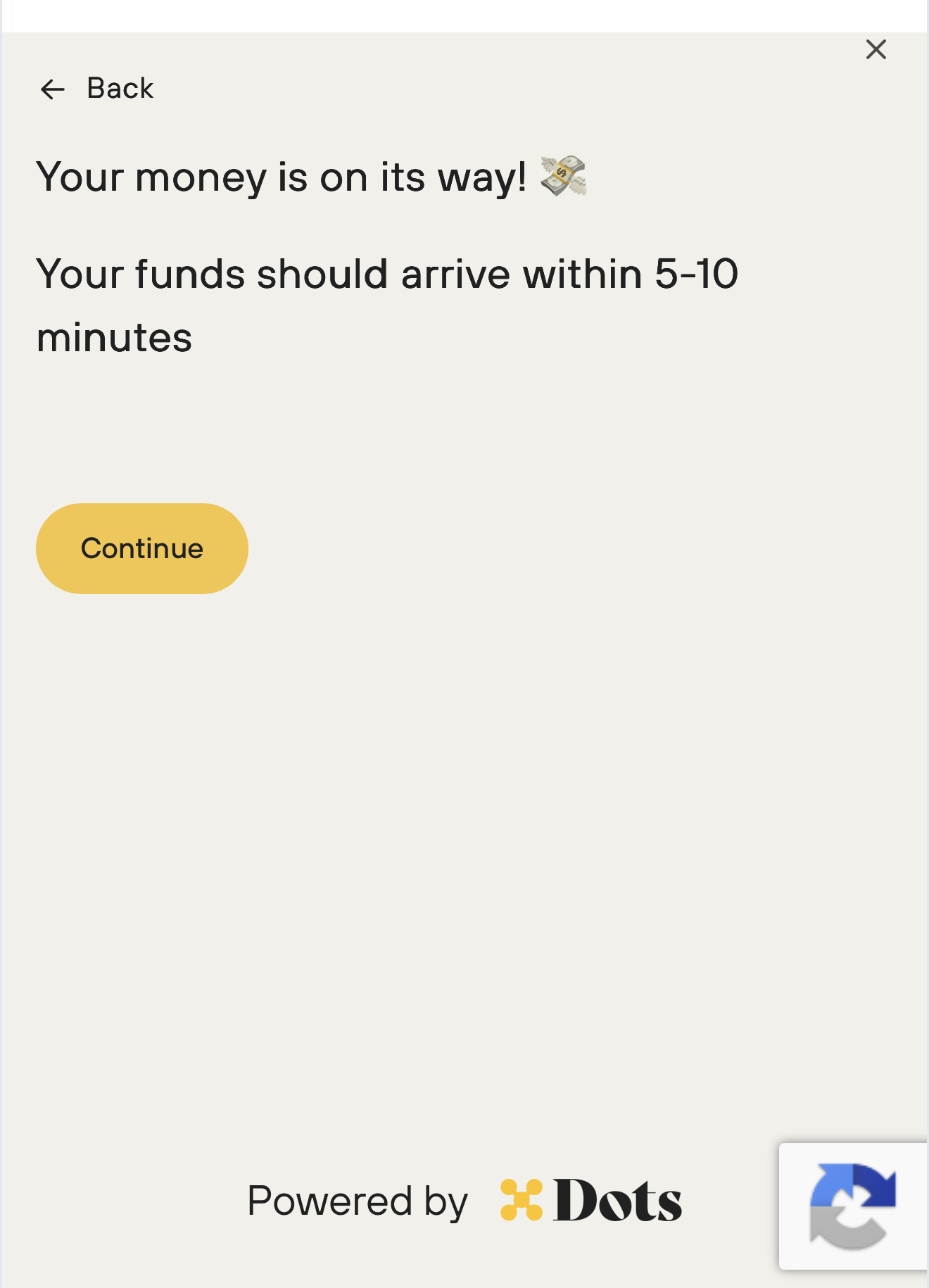
Once verification is complete, your funds will be sent to your selected payout method within 5-10 minutes.